
QR system
From your table to the visitor's phone
A QR code at your stall turns a moment of interest into a page visitors can come back to whenever they like.
The journey
From the market to your page
Market
A visitor discovers your stall and your products.
Scan the QR
They point their phone's camera at the code on your table.
Product page
Your page opens with your products and your story.
Contact the seller
They can get in touch using whichever details you choose to show.
What it looks like
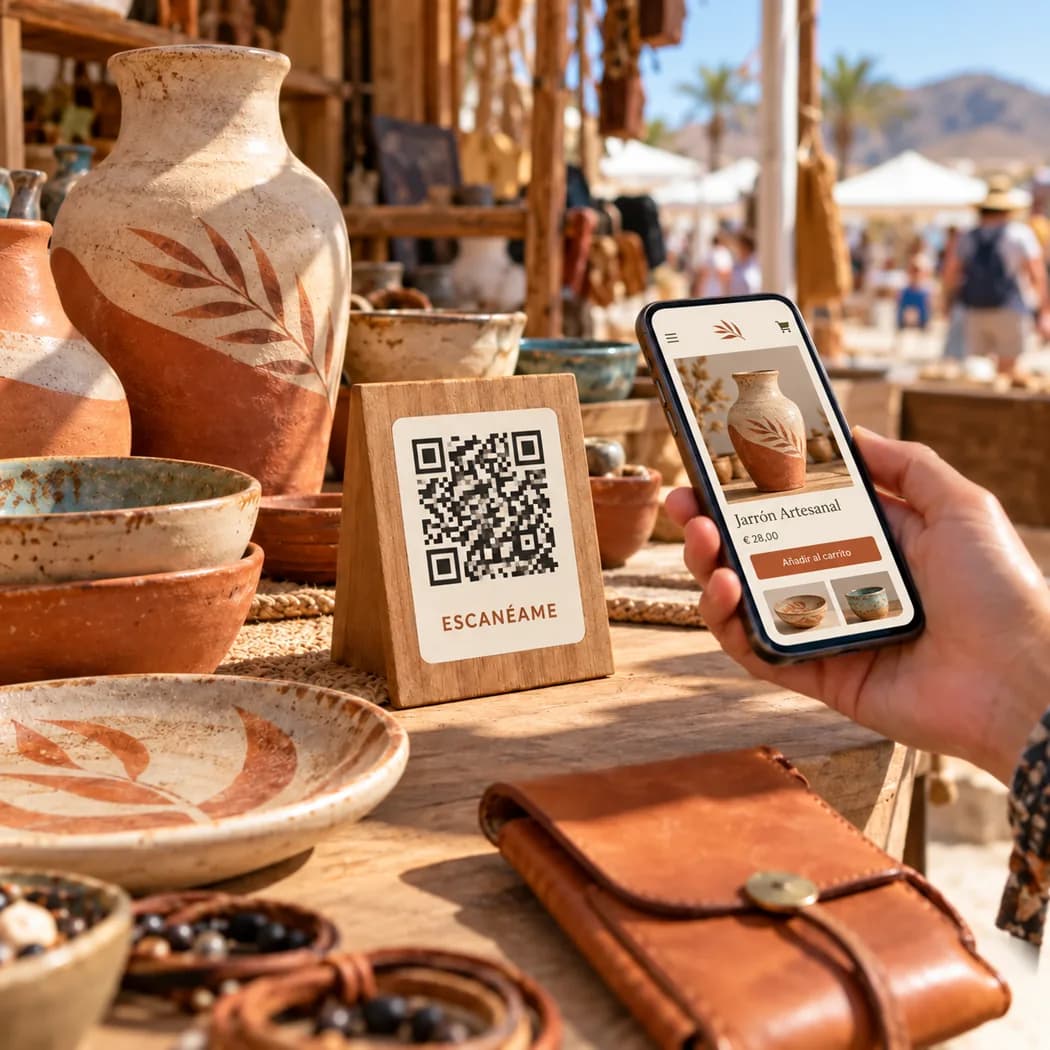
A card on your table, your page on their phone
RAÍZ ISLAS
What a QR code is
It's a pattern of squares that stores a web address. When you scan it with your phone's camera, the phone offers to open that address.
How visitors use it
They don't need to install any app. They open the phone's camera, point it at the code and tap the link that appears on screen.
How it leads to the product page
The code takes people straight to your page, where they see your products and your story and can read them in the language they prefer.
How they can find you again
Your page stays online after the trip is over. Visitors can save the link on their phone or reopen it from their history to look at your products and contact you.
Possible formats
Where to put the QR at your stall
The format is decided with each seller, depending on their table and products.
Card on the table
A card placed beside your products, within easy reach of a visitor's hand.
Small sign
A small sign by your stall or till, easy to see without having to ask.
Card to take away
A card that goes with the purchase, so visitors take your page home with them.
Keep exploring